Internet Connection
An internet connection is a link that allows devices to access and communicate with the global network of information and services known as the internet.
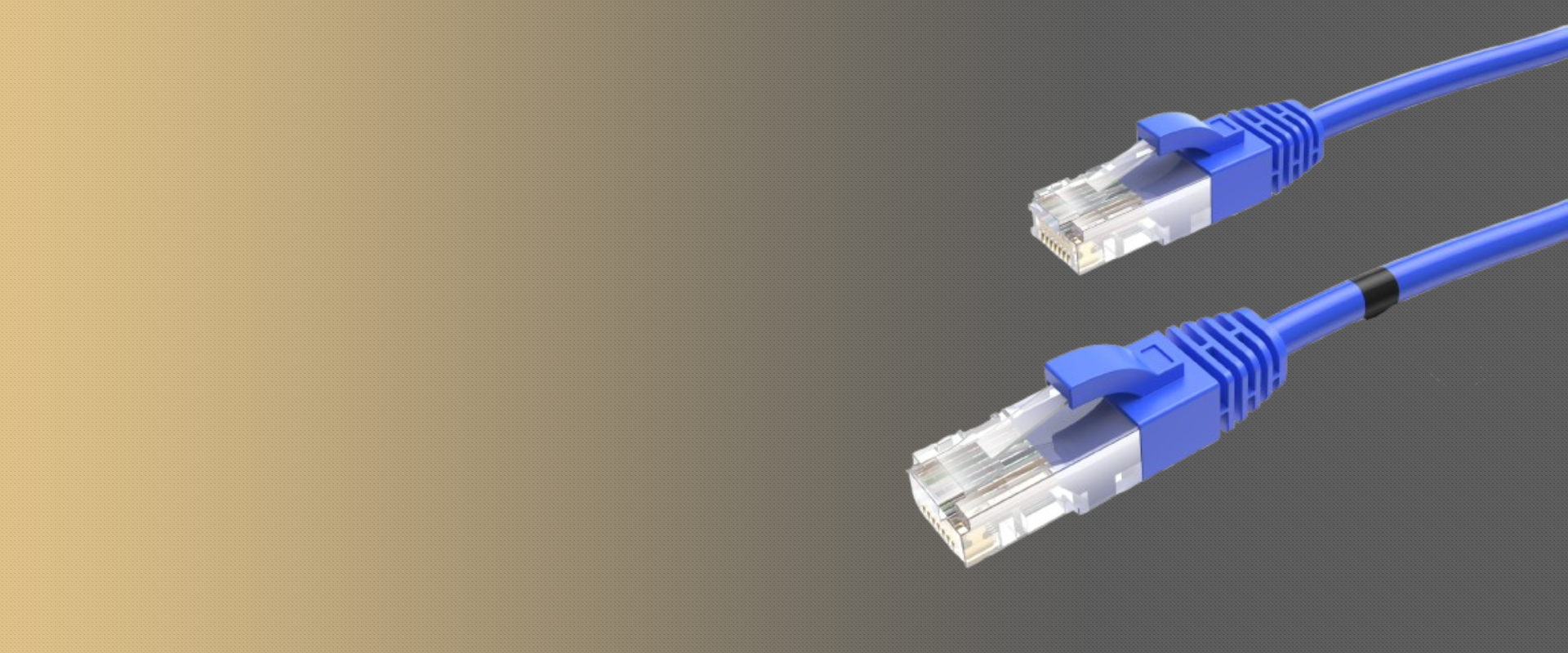
Cable
A cable in internet connections is a physical medium that transmits data between devices or to the internet, using electrical signals or light, depending on the cable type.
Types
- Coaxial Cable: Coaxial cable transmits data via electrical signals and is commonly used by ISPs for cable internet connections.
- Ethernet cables: Ethernet cables (RJ45) connect devices in a LAN using twisted copper wires and support various speeds based on their category.
- Fiber Optic Cable: Fiber optic cables transmit data as light for high-speed internet with high bandwidth and low latency.
- Telephone Cable (RJ11): Telephone cables (RJ11) connect modems to phone lines for DSL internet and are thinner than Ethernet cables.
- USB Cable: USB cables connect devices like modems or hotspots to computers for internet access.
The equipment’s
- Router: A device that directs data between the modem and multiple devices within a network. It provides Wi-Fi for wireless internet and manages local traffic on your network, ensuring devices can communicate with each other and access the internet.
- Wireless Access Point (WAP): Often part of the router, this device enables wireless communication between the network and Wi-Fi-enabled devices like laptops, smartphones, and tablets.
- Ethernet Cables: Wired connections that connect the modem, router, or other network devices to each other or to computers, providing a stable and high-speed connection.
- Wi-Fi Extender/Repeater: A device that amplifies the Wi-Fi signal and extends its range, helping cover areas in a home or office where the signal is weak.
- Network Switch: Used in larger networks, this device connects multiple wired devices together and ensures data is sent to the correct destination within the local network.
- Powerline Adapters: These devices use your home’s electrical wiring to transmit internet data, allowing you to connect devices to the network in areas with weak Wi-Fi signals.
- DSL Filters: For DSL connections, filters are used to separate voice and data signals on the same phone line to prevent interference.
- Antennas: Some routers or modems come with external antennas that help improve wireless signal strength and coverage.
- Fiber Optic Termination Equipment: For fiber connections, specialized equipment may be used to convert optical signals into data that your devices can use.
- Switch – Connects multiple devices in a local network and forwards data based on MAC addresses.
- Hub – A basic device that broadcasts data to all devices in a network (less efficient than a switch).
- Firewall (Hardware) – Protects the network by filtering incoming and outgoing traffic based on security rules.
- Network Interface Card (NIC) – A hardware component in computers that enables connection to a network.
- Bridge – Connects and filters traffic between two or more network segments.
- Gateway – Acts as a bridge between different networks, often translating protocols.